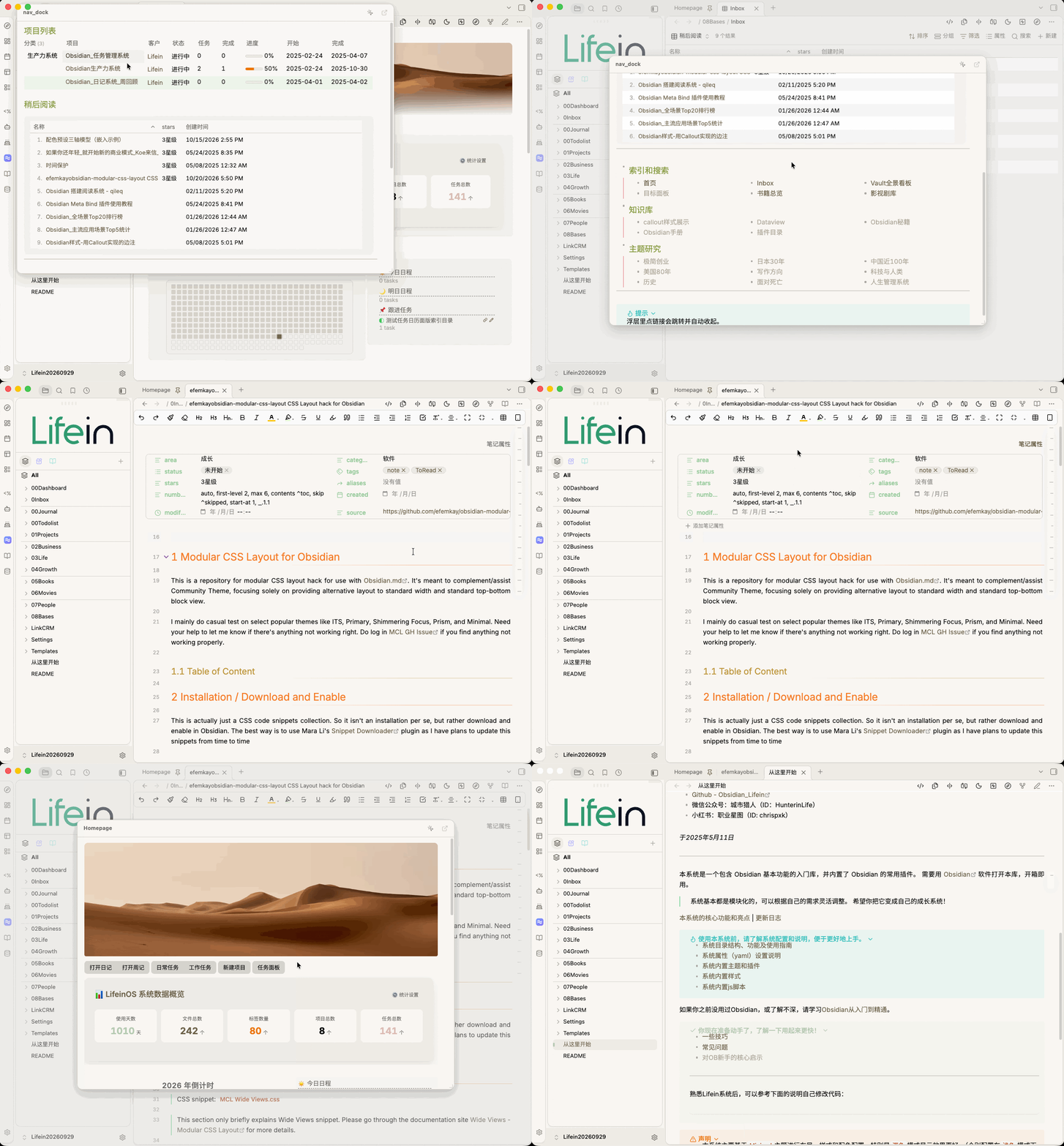
Keep your navigation pages, quick-reference guides, and frequently used notes right beside the Obsidian Ribbon. Hover over or click the icon to view them in a pop-up panel—without taking up another tab.
Nav Dock opens a pop-up panel beside a Ribbon icon and displays a Markdown document of your choice. The panel follows Obsidian’s Markdown preview styling and supports common content such as wikilinks, embeds, callouts, and tables. You can also edit the document directly in the panel.
Obsidian Community Plugin | Manual Installation
将常用导航页、速查表和笔记放在 Obsidian Ribbon 旁边。鼠标悬停或点击图标,即可在浮层中查看内容,无需额外占用标签页。
Nav Dock 会在 Ribbon 图标旁打开一个 Markdown 文档浮层。浮层沿用 Obsidian 的 Markdown 预览样式,支持双链、嵌入、Callout、表格等常见内容,也可以直接在浮层中编辑文档。